
AJAX In WordPress (2020 Edition)
AJAX is extremely commonplace in websites today, but do you know how to use it in WordPress? Let’s take a look at how AJAX works in WordPress and how to […]
Read moreBackups are stored securely in the cloud!
Keep WordPress up-to-date at all times!
Making sure your site is clean of malware!
Keep a speedy site with an optimized database!
Keep Plugins up-to-date at all times!
One hour of technical help included in some packages!

WordPress is amazing. It powers a large percentage of the internet and is quite user friendly. Still, there are occasions where something can be confusing, or the documentation is too technically complex. That's where my WordPress Knowledge Base steps in.
Once it goes live, it will be an area for those with limited technical knowledge to find answers and easy to follow tutorials on how to use WordPress. From simple things like creating a post, to the more complex like creating and enabling a simple page template.
AJAX is extremely commonplace in websites today, but do you know how to use it in WordPress? Let’s take a look at how AJAX works in WordPress and how to […]
Read more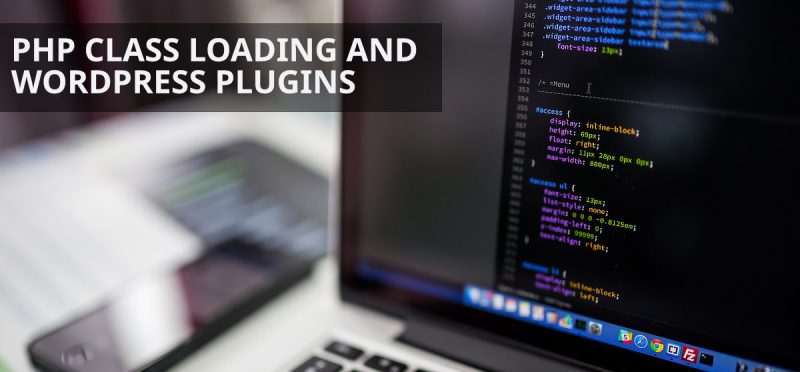
WordPress plugin development can be an absolute pain. That’s right. I said it. Coding plugins for clients and keeping that code neat and tidy can be a nightmare. The best […]
Read more
It has been quite a while since the last tutorial on reducing WordPress’ memory usage was published. Since then a lot has changed. WordPress has received more features and is […]
Read more